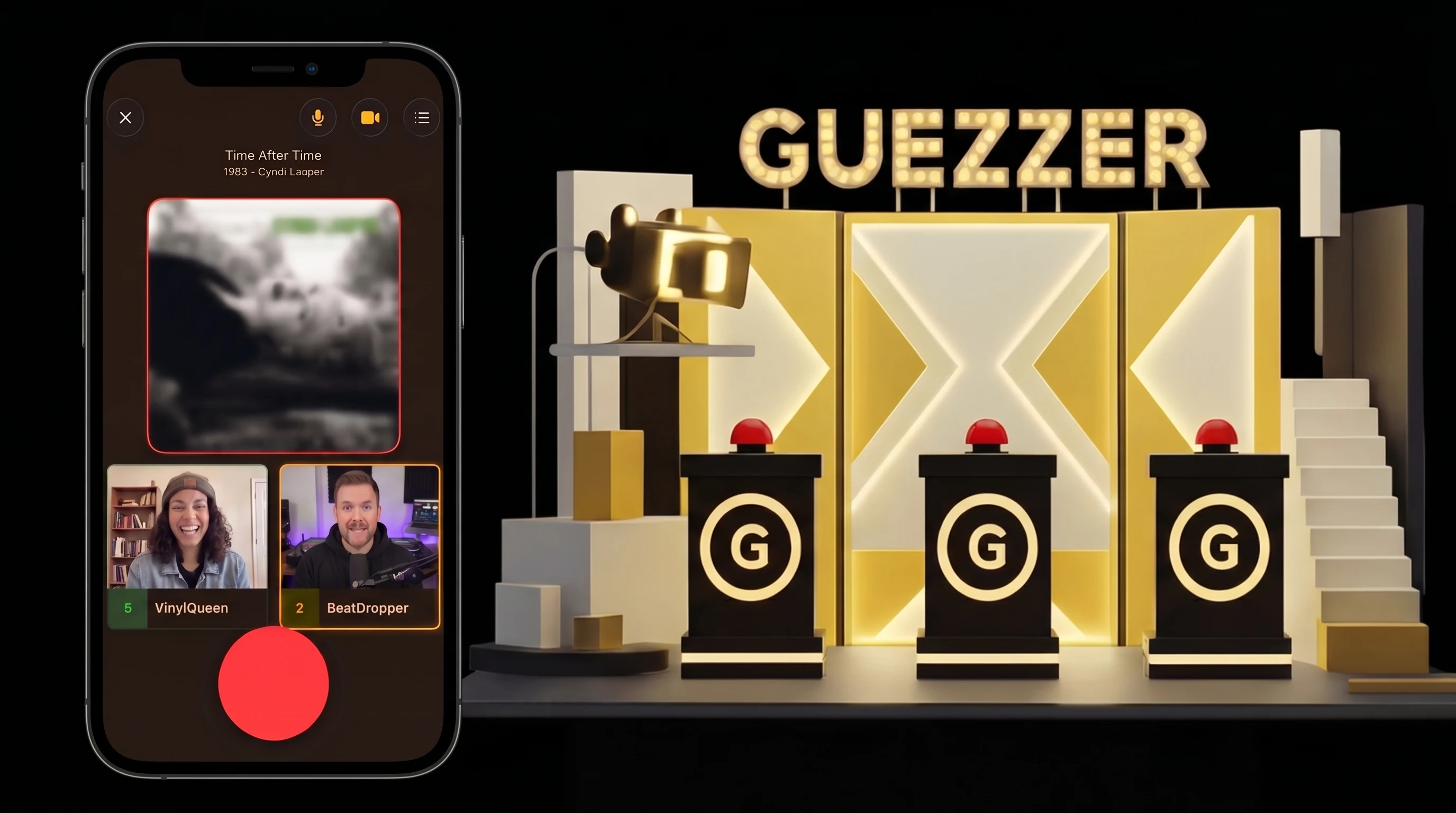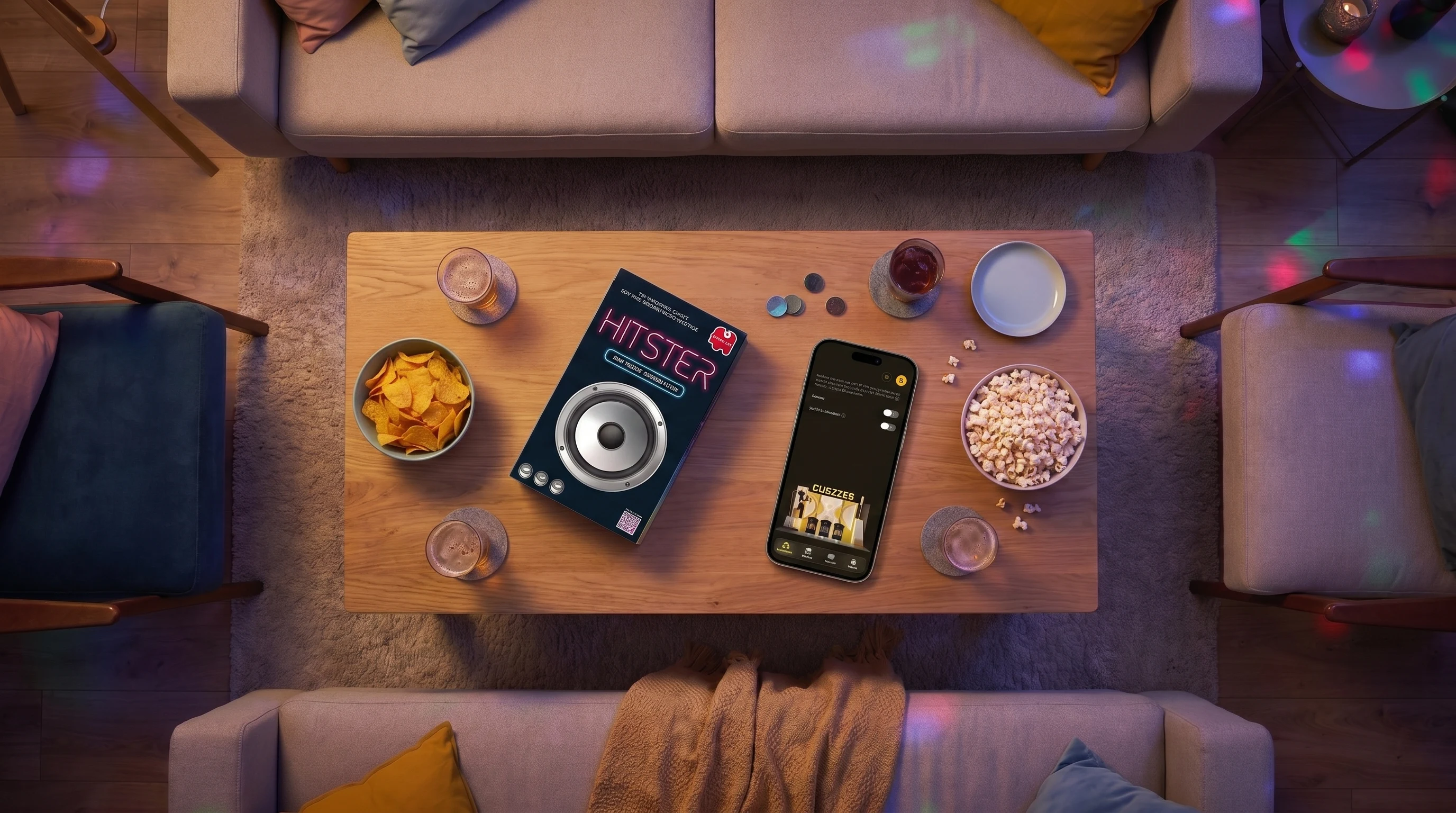
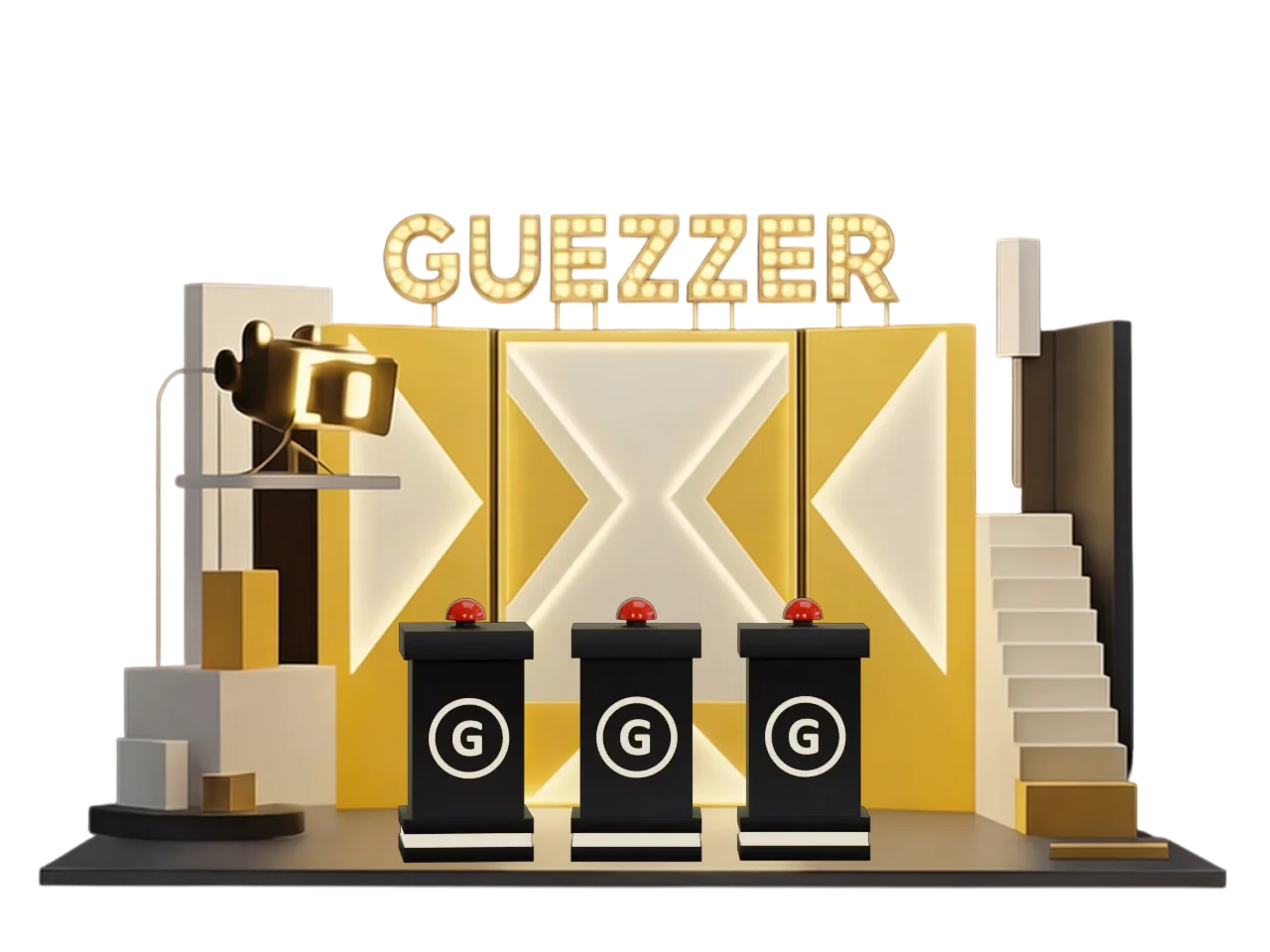
Guezzer is a realtime multiplayer music quiz built for game nights. You and your friends gather around a speaker, the music plays, and the first one to slap the buzzer gets to shout out the answer. This guide walks you through everything you need to host a great round of local multiplayer Guezzer - the way the game was made to be played.
Game modes at a glance
Guezzer has a few ways to play. Knowing where this guide lands in the mix helps:
- Local multiplayer: the main event. Friends in the same room, every player on their own phone as a buzzer. This post covers this mode.
- Online multiplayer: same buzzer race, just with friends in different places.
- Daily Challenge: solo mode. Seven songs, same picks worldwide that day. There is no clock - most people finish in under three minutes, and the fastest are under one. Ranked on a global leaderboard.
- Training: solo practice. Infinite gameplay, beat your own reaction time, any genre, any decade.
The rest of this guide is about pulling out your phone, calling friends over, and starting a local multiplayer round.
What you need
For a local multiplayer game night you need:
- A phone per player. iPhone or Android, both work. Each player runs the Guezzer app on their own device - that's their buzzer.
- An internet connection. Guezzer streams licensed music and keeps every phone in sync, so you need WiFi or mobile data.
- A speaker (optional). The host's phone plays the music. A Bluetooth speaker, a smart speaker, or the laptop on the table makes it louder, but it's not required.
That's it. No cards, no board, no extra music app. The whole game lives on your phone.
Picking a playlist
Before the game starts, the host picks a playlist. You can:
- Mix decades and genres - 70s, 80s, 90s, 2000s, 2010s, pop, rock, hip-hop, and more
- Grab a pre-made pack - movie soundtracks, TV themes, festival sets, and seasonal drops like Christmas or Après-Ski
- Build a custom playlist for the night
Pick songs everyone will recognize. The fun is in the race, not in stumping each other.
Setting up the round
Before round one, the host makes a few calls in the lobby. They stick for the rest of the night unless you change them between rounds.
Points to win: how long the round runs
Pick how many correct guesses a single player needs to win the round:
- 5 correct: quick rounds. Great for warming up or fitting a few short games into one evening.
- 7 correct: the sweet spot. Long enough that an early stumble can be clawed back, short enough that nobody loses interest.
- 9 correct: the long game. For a focused evening with a tight group of music heads.
First player to hit the target wins.
Difficulty: what counts as a correct answer
Pick how much the buzzing player has to name:
- Song title only: easiest. Name the track, you score. Great for mixed groups where not everyone is a music nerd.
- Song title and artist: the standard. Both have to be in the answer.
- Song title, artist, and features: hardest. Every featured artist on the track has to be named too. The "Old Town Road by Lil Nas X feat. Billy Ray Cyrus" mode. Bring it for the deep-cuts crowd.
The harder the mode, the longer it takes someone to spit out a full answer - which makes the buzzer race more strategic.
Evaluation: self-confirmation or AI
Pick who decides whether the answer is right:
- Self-confirmation: default. The track reveals on the buzzing player's screen, and they tap "got it" or "wrong" themselves. Honor system - only the buzzing player sees the title and artist in that moment, so the rest of the room takes them at their word. Works great in a group of friends.
- AI evaluation: optional. Speak the answer; the app transcribes you, compares it to the required fields (title, artist, features depending on difficulty), and decides. Useful when nobody wants to be the judge - but worth knowing that the AI isn't 100% accurate. It can misjudge close calls, especially with mumbled or accented input.
Game flow: how a round works
Each round goes the same way:
- Music starts. Everyone hears the song through the speaker.
- First to buzz wins the right to guess. Tap the big red buzzer the moment you recognize the track. Reaction time matters.
- Shout the answer out loud. Speak it so the whole room hears you - title, artist, or features depending on the difficulty the host picked. No typing.
- The answer gets evaluated. The buzzing player self-confirms by default - or the AI decides if the host enabled it in setup.
- One shot per song. Get it wrong and you're out for the rest of that track. You can't buzz back in - the other players keep listening and race for it instead. You're back in the hunt the moment the next song starts.
- Score updates, the next song plays. Repeat until someone hits the points-to-win target.
A typical local multiplayer round runs until the first player reaches 5, 7, or 9 correct guesses, depending on what the host set in the lobby.
Scoring and records
Each correct guess scores a point. The first player to hit the points-to-win target takes the round - and earns a record that lands in their profile.
Stack enough records and you climb the tier ladder:
- Vinyl: your starter records
- Gold: the early-grind tier
- Platinum: serious-player territory
- Diamond: the top of the ladder
Open the Profile tab in the app to see your record collection and current tier. Solo modes (Daily Challenge, Training) have their own trophy track called cassettes.
Records stick with your profile across game nights. They're the long-term reason to keep coming back once the rules feel second nature.
Tips for a great game night
A few small things make Guezzer game nights actually great:
- Audible for the whole room. Whether the music comes straight from the host's phone or a separate speaker, it needs to reach everyone clearly - no fight against background noise.
- Set the volume early. Lock it in before round one. Fiddling with the volume mid-round breaks the rhythm.
- Pick songs the whole group will recognize. Obscure tracks where only one person knows the answer kill the buzzer race - they win every time and everyone else just sits and listens.
- Stick with self-confirmation in most rooms. It's the default for a reason. Yes, only the buzzing player sees the song title at the moment of the call - so the rest of the room takes them at their word. In a group of friends, that's exactly the point. Reach for AI evaluation only if your group keeps deadlocking on close calls, and remember the AI isn't always right either.
That's it. You now know everything to host a Guezzer night. Grab the app, pick a playlist, and find out who actually listens to the radio.